Before route planning you should select the implement used for operation.
Implements in Tractor Pilot are classified by type (sectional and non-sectional) and attachment type - (mounted and trailed)
To select an implement click the Tractor icon at the left sidebar, select Implement Management option. The list of previously added implements will apear.
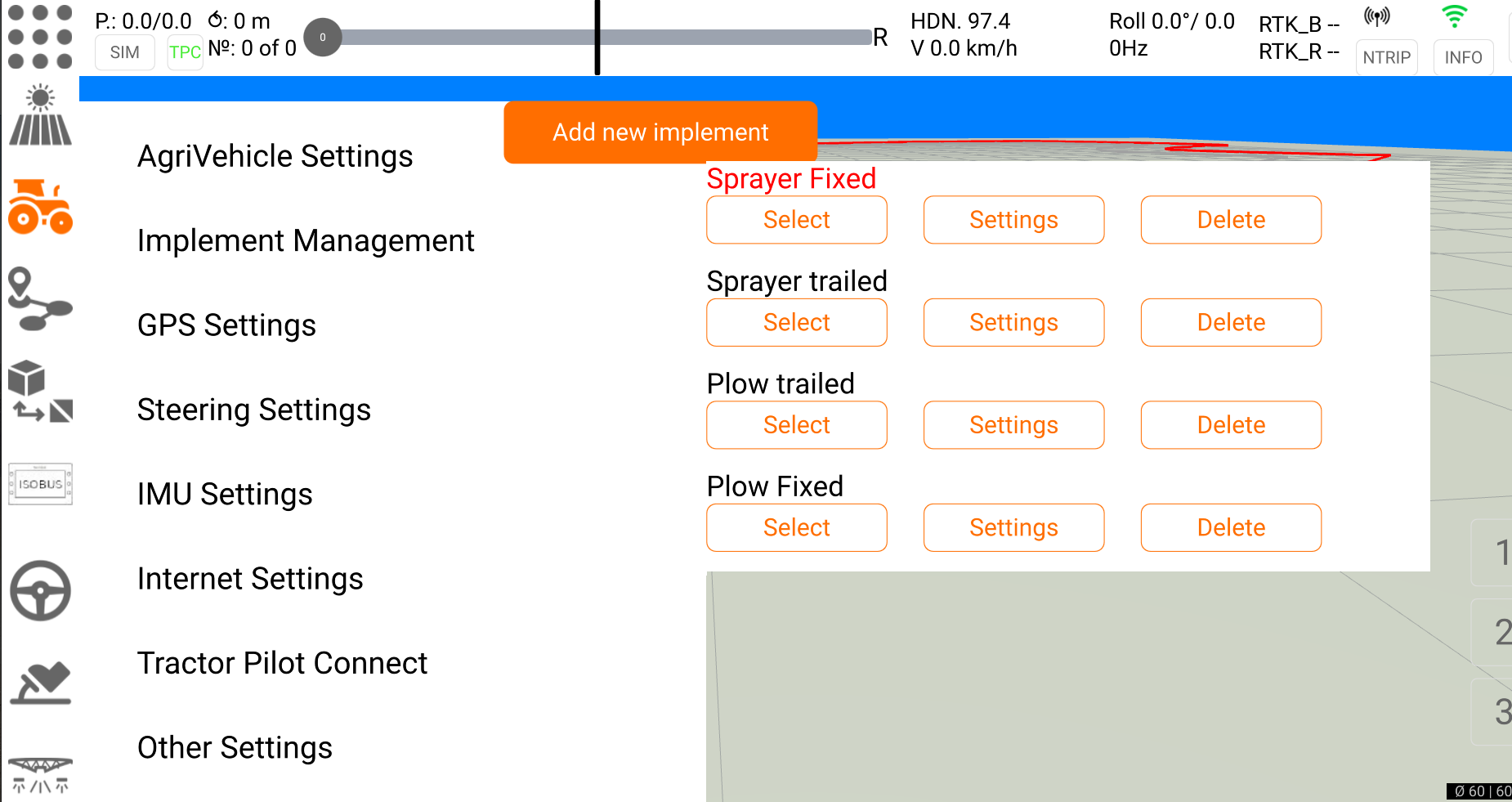
Select an implement from the list or create a new one by clicking "Add new implement" button.
Adding new implement
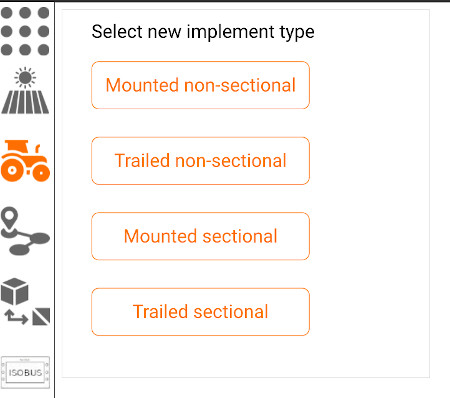
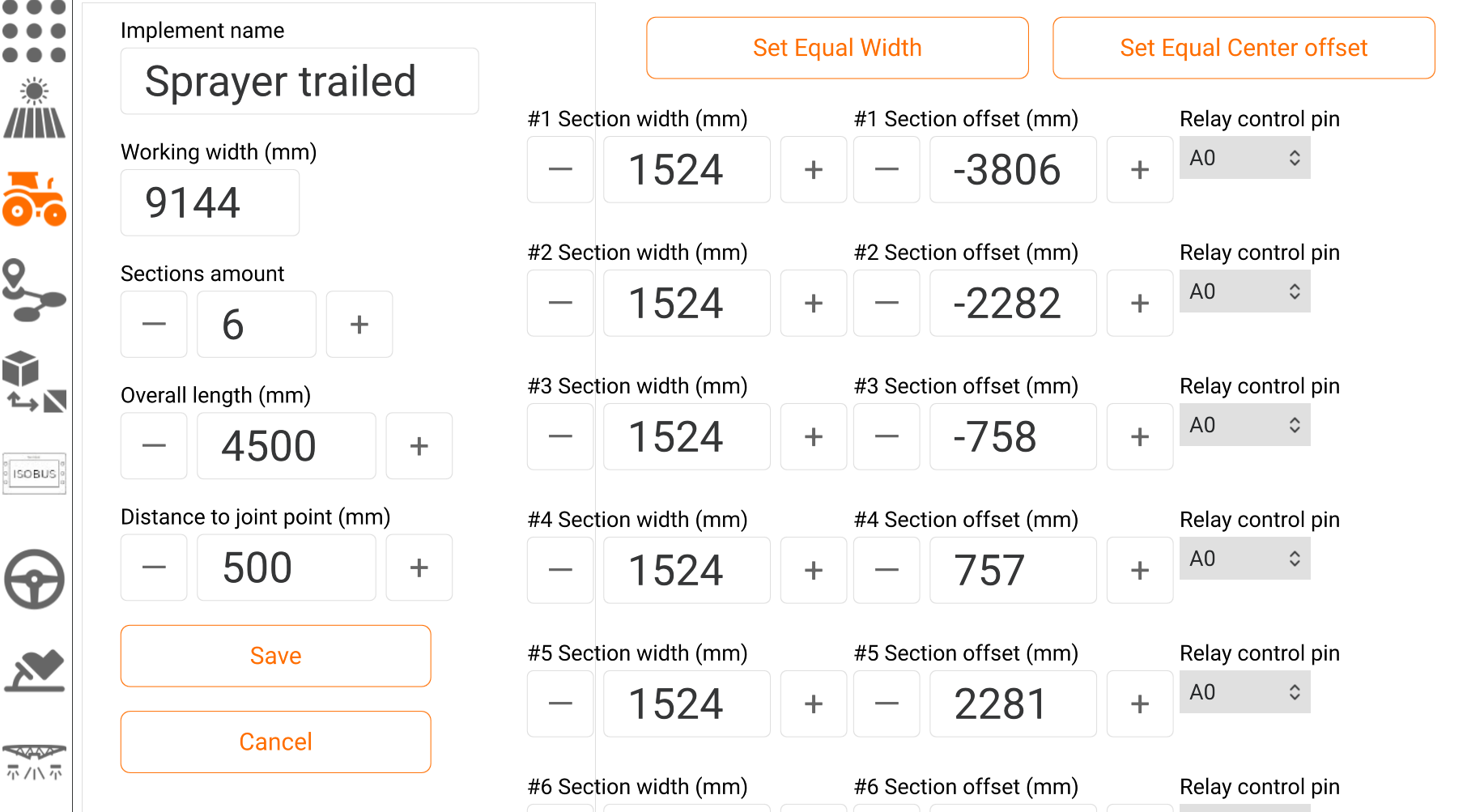
Select new implement type and fill in the settings: implement name, working width, distance to joint point and implement length (for trailed implements), sections amount, width and offset from center of each section(for sectional implements).